


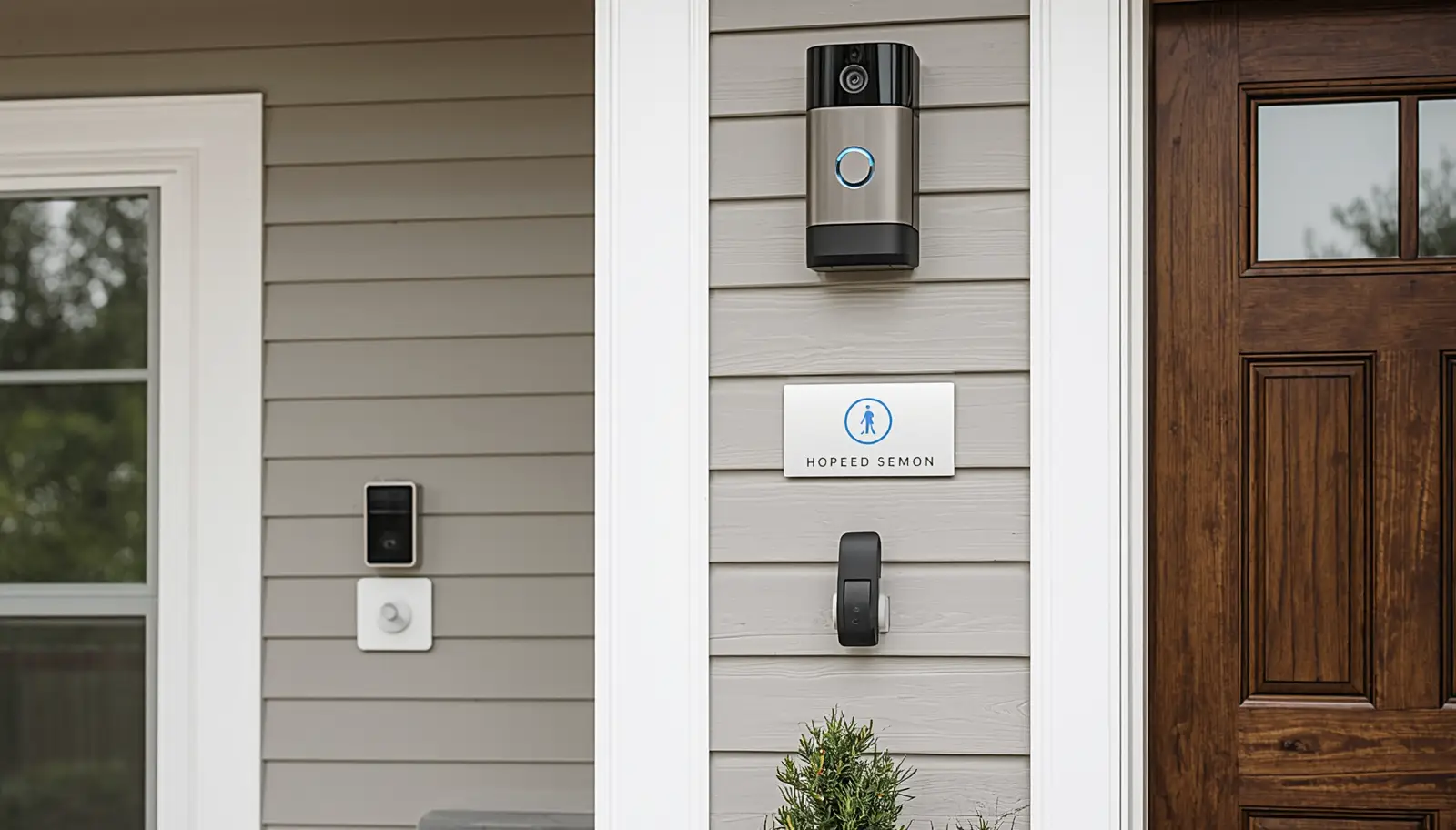
Feeling safe in your home is non-negotiable. If you’re still relying on outdated locks or an alarm system that hasn’t been updated in over a decade, it’s time to take action. A compromised or underperforming system leaves your family and belongings vulnerable to break-ins, emergencies, and even environmental hazards like fires or leaks. Modernizing your security system isn’t just an upgrade—it’s essential.
In 2026, home security has evolved far beyond basic alarms or simple door sensors. Today’s systems function as fully integrated smart ecosystems. They allow you to monitor and protect your property no matter where you are, offering real-time alerts and seamless control through your phone or smart devices. Whether you’re managing a historic home or combining security with your solar energy setup to ensure reliable camera performance during outages, upgrading is a step toward better peace of mind.
When it comes to installation, we strongly recommend working with a professional. DIY systems can be appealing, but improper setup often leads to blind spots or unreliable functionality. A certified installer can ensure every sensor, camera, and connection is perfectly calibrated to maximize your protection.
How Much Do Home Security Systems Cost in 2026?
The cost of a home security system varies based on the size and needs of your property, as well as the level of technology and monitoring you choose. Let’s break down what you can expect to spend.
See our cost guide
Your Decision-Making Framework: How to Choose
Choosing the right home security system can feel overwhelming, but following these simple steps can make the process clearer and more manageable.
Step 1: Assess Your Vulnerabilities
Start by walking around your property. Look for dark areas, blind spots, and any easily accessible entry points like ground-level windows or back doors. Identifying these weaknesses will help you understand where you need the most coverage.
Step 2: Decide on Your Monitoring Type
Do you want to self-monitor your system, or would you feel more secure with professional monitoring? Self-monitoring means alerts are sent directly to your phone, putting you in charge of responding to incidents. Professional monitoring involves a call center that dispatches emergency services when needed. While self-monitoring is a cost-effective option, professional monitoring offers greater peace of mind, especially when you’re not available to respond to an alert.
Step 3: Hire a Professional Installer
While DIY systems might seem like a good way to save money, they often lead to frustrating installation errors or incomplete coverage. Professional installers know how to position cameras for maximum visibility, calibrate sensors correctly, and ensure a seamless connection between all components. This expertise can make all the difference in how well your system performs.
See our cost guide
Frequently Asked Questions (FAQs)
Do home security systems work if the power goes out?
Yes, most professionally installed systems come equipped with battery backups. These backups typically provide power for at least 24 hours, ensuring your home remains protected during outages.
Can I integrate my security system with my smart home?
Absolutely. Modern security systems are designed to work seamlessly with smart home ecosystems. They can integrate with smart lights, locks, thermostats, and even your HVAC system, allowing you to automate and optimize your home’s safety and energy usage.
By upgrading to a modern home security system, you’re not just enhancing your property’s safety—you’re making an investment in convenience, peace of mind, and long-term value. Whether you’re protecting your family, your possessions, or your future resale value, the right system can make all the difference.